
This guide explains how to access an existing Time4Bets account from the website, a mobile browser, the official Telegram bot and the iOS client, as well as how to reset a password, deal with restricted access and keep the account secure. Time4Bets operates under Anjouan Gaming Authority licence No. ALSI-202603024-FI1, and the same account is used across supported access methods with the balance held in US dollars. Users should independently check whether online betting and casino activity are permitted in their jurisdiction. Account registration is covered separately; the login page is available through /visit/.
Ways to Sign In to Time4Bets
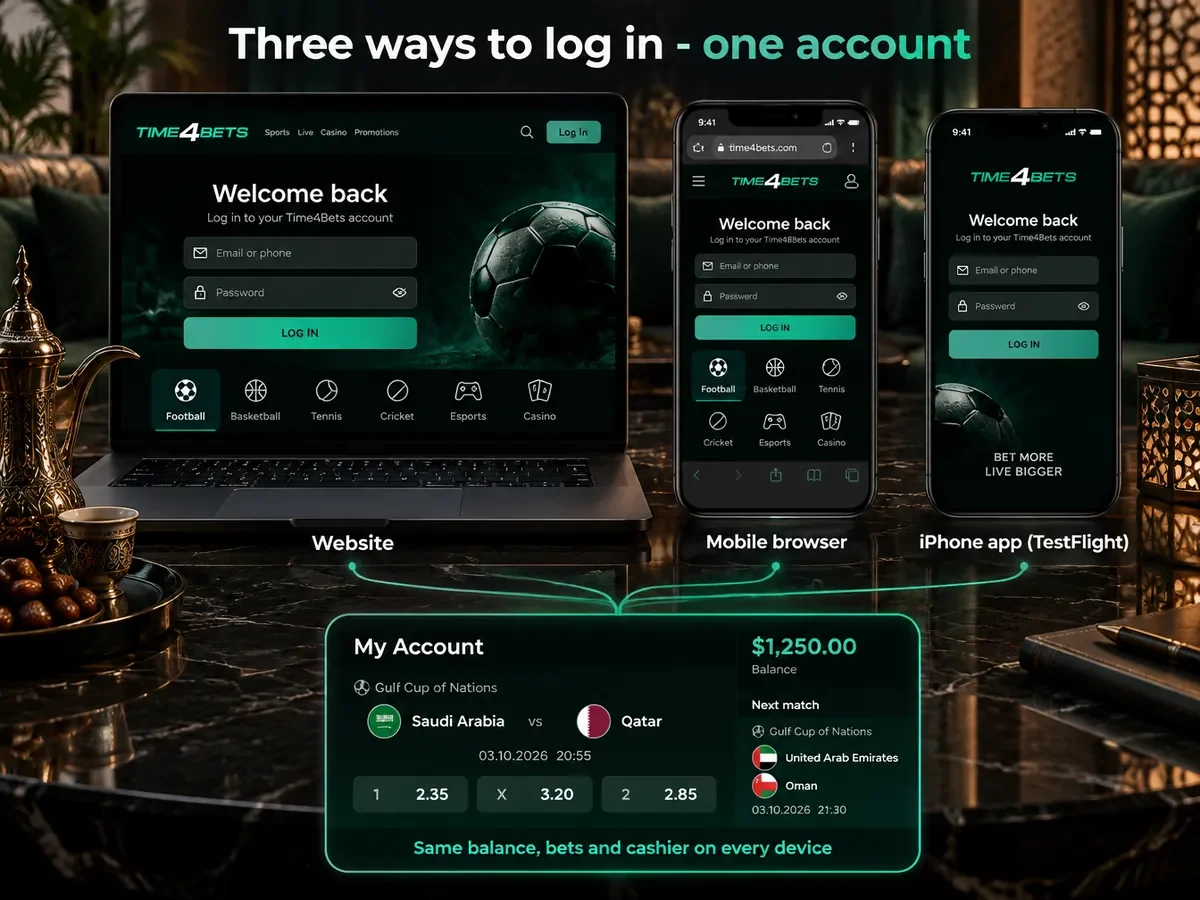
| Route | What You Need | Best For |
|---|---|---|
| Website in a desktop browser | Email or phone number, password, a current browser | Long sessions, live tables, account settings |
| Mobile browser | The same credentials, a phone browser | Quick access without any installation |
| Official Telegram bot | Telegram with an active account, the same credentials | Betting on the move, settlement alerts in the chat |
| iOS client via TestFlight | iOS 14 or later, TestFlight, the same credentials | A native icon on an iPhone |
Balance, bet history, promotions and cashier access are linked to the same account across the supported access methods. Signing in on mobile therefore provides access to the same account data and core features as on desktop.
Time4Bets Login on the Website in Four Moves
- Open the official website;
- Press Log In, which sits in the top-right corner of the header on desktop and behind the profile icon in the mobile menu;
- Enter the email address or the phone number, then the password;
- Complete the captcha if the form asks for one, and the cabinet opens.
The same Time4Bets account provides access to both the sportsbook and casino; there is no separate login for the two products.
Phone Number or Email
A phone number should be entered in international format, while email-based recovery messages are sent to the address linked to the account. Either identifier can be used where the login form supports it. Keeping contact details current is important because password-reset and verification messages are sent through the registered email address or phone number.

Time4Bets Sign In via the Telegram Bot
To sign in through Telegram, open the official Time4Bets bot using the link provided on the website, start the bot, select a language and follow the login prompts using the same account credentials as on the site. The bot can also display account and transaction notifications. Because unofficial copies may exist, credentials should only be entered in the bot reached from the official Time4Bets website.
Pre-Login Checklist
Before signing in, check the following:
- the exact identifier: the email or number used at registration, not a later one;
- the current password, typed rather than pasted from an old note;
- access to the mailbox or the SIM card that receives the confirmation code;
- a stable connection, since a timed-out form is rejected rather than retried;
- the device that holds the authenticator code, if two-factor protection is on.
If login fails, these basic checks should be completed before moving on to password recovery or support.
Time4Bets Password Reset in Four Steps
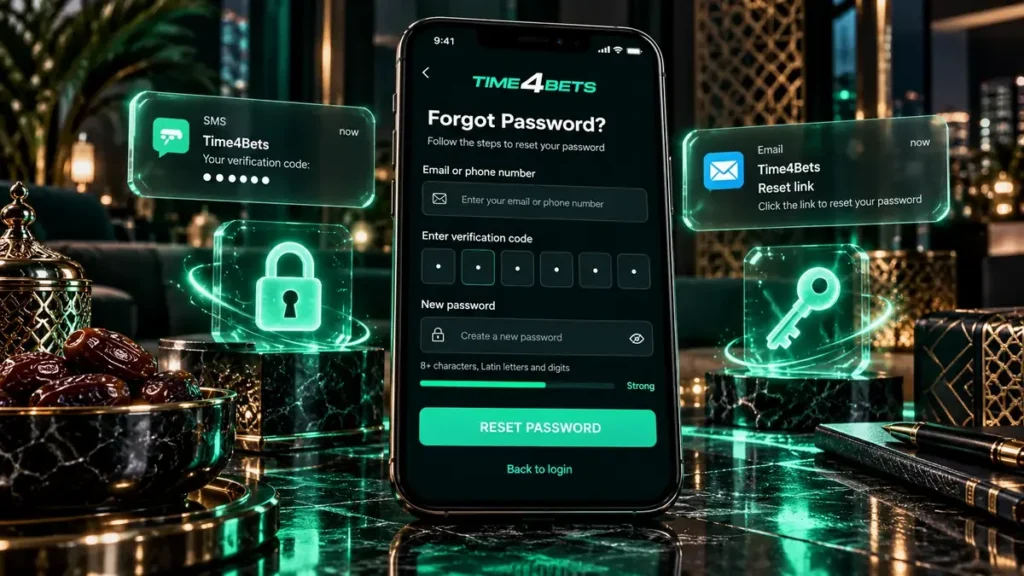
- Press Forgot Password on the login form;
- Enter the linked email address or phone number;
- Take the code or the link from the message or the SMS;
- Set a new password and sign in again.
The password-reset process can fail if the message is filtered into spam, the reset link or code expires, or the registered contact details are no longer accessible. In the first two cases, check the spam folder or request a new reset message. If the registered email address or phone number can no longer be used, contact support for account-recovery instructions.
Blocked, Dormant and Closed Profiles
Some access issues cannot be resolved from the login form and require support. An account may be restricted because of verification requirements, account-status checks, duplicate-account rules or a previous closure request. If the login page instructs the user to contact support, use the 24/7 live chat and follow the identity-confirmation steps provided by the support team.
Common Login Errors and Fixes
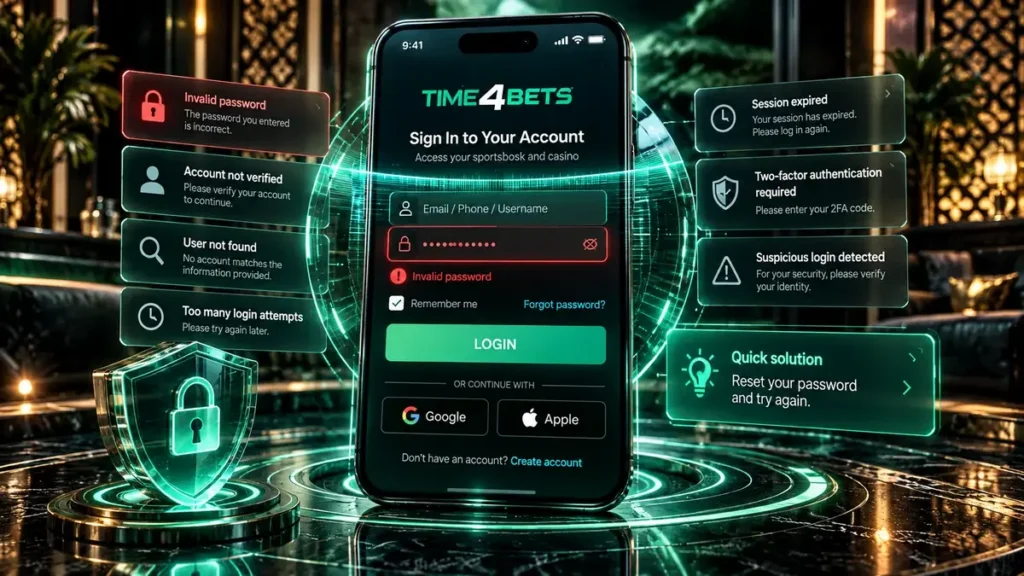
- wrong password: check Caps Lock and the keyboard language, then use the reset;
- the code does not arrive: look in spam, request it again after a minute, confirm the number on file is current;
- the page does not open: clear the cache, switch networks, try another browser;
- the iOS client refuses to sign in: update it through TestFlight, since old builds expire;
- more than one account: only one is allowed per person, and the duplicate is blocked rather than merged.
If the issue remains, contact live chat with a description of the error and, where useful, a screenshot of the message shown on screen.
Keeping the Time4Bets Account Secure
Use a password that is unique to the Time4Bets account and enable two-factor authentication where available. Log out on shared devices, do not save credentials in a browser you do not control, and confirm that the login page belongs to the official Time4Bets domain before entering account details. If there are signs of unauthorised access, change the password and contact support.

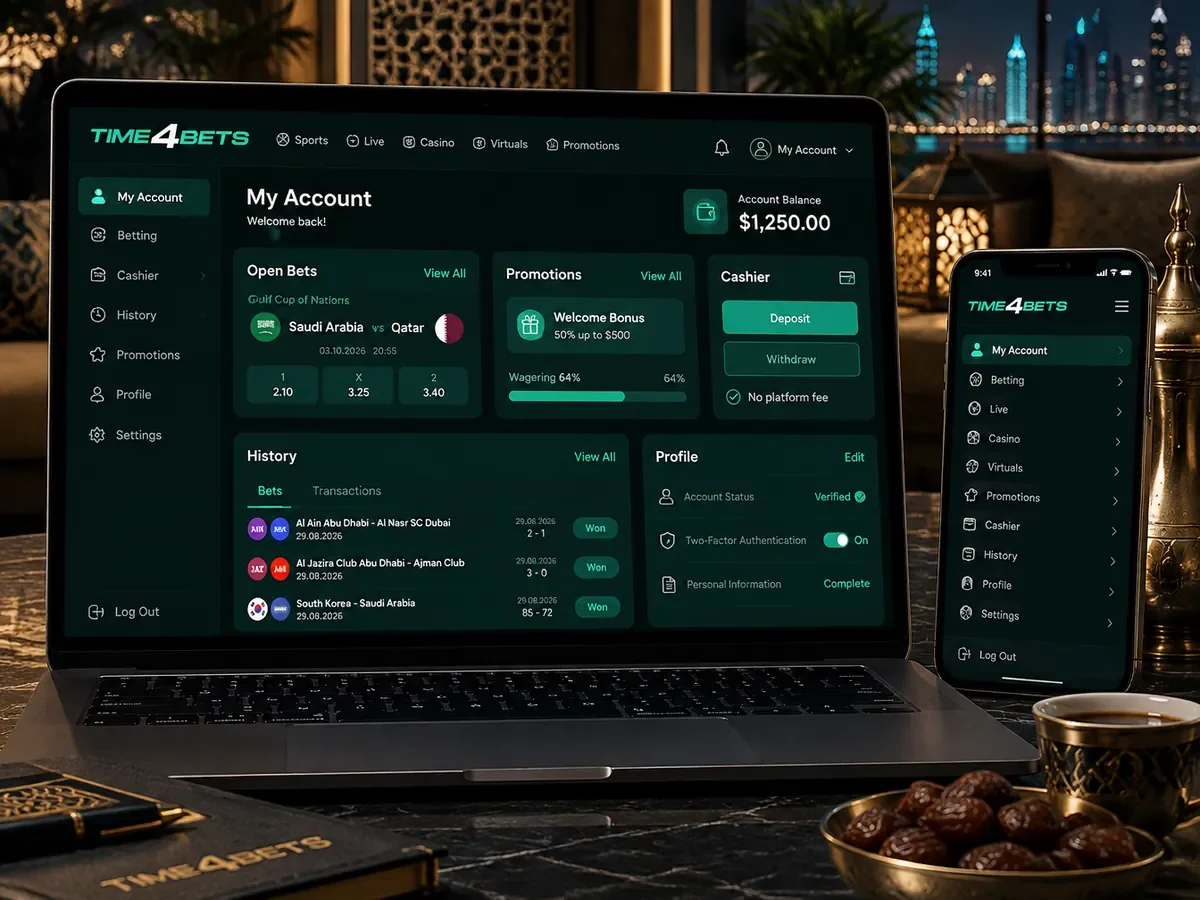
What Opens After Login
After login, the account area provides access to the balance, betting activity, promotions, cashier, transaction history, verification status, contact details and security settings. On mobile, the same account information is presented in a layout adapted to the smaller screen.
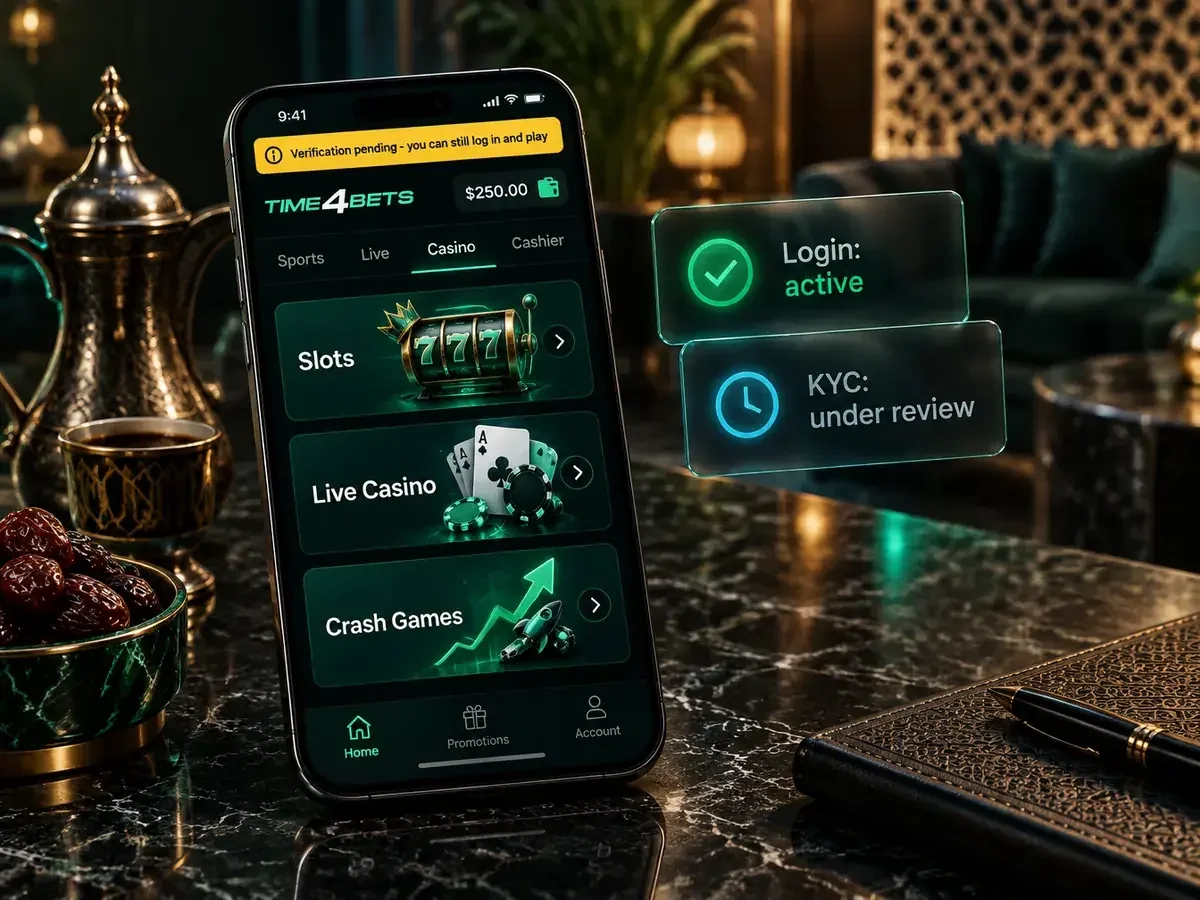
Verification Does Not Block Entry
KYC is not necessarily required simply to open the login session, but verification may be required before a withdrawal and can also be requested by the security team at other stages. The document requirements and payout-related verification process are described on the withdrawal page.
Time4Bets Login Guide FAQ
What should be done when a login is refused?
Check the identifier, the password and Caps Lock, then run the reset from the login guide steps above. If Time4Bets returns a message about contacting support, the account is restricted rather than mistyped, and live chat is the next step.
Can a player sign in through the Telegram bot?
Yes. The official Time4Bets Telegram bot uses the same account and provides access to the same core balance and account information after the login steps are completed.
How is access restored without the email and the number?
Contact Time4Bets support. The support team will provide the required identity-confirmation and account-recovery steps before contact details can be updated.
Is verification required before signing in?
Verification is not necessarily required simply to sign in, but it may be required before a withdrawal and can be requested by the security team at other stages.
Is it safe to stay signed in on a personal phone?
On a personal device with a screen lock and two-factor protection enabled, yes. On a shared or borrowed device, log out manually after every session and do not let the browser save the password.