
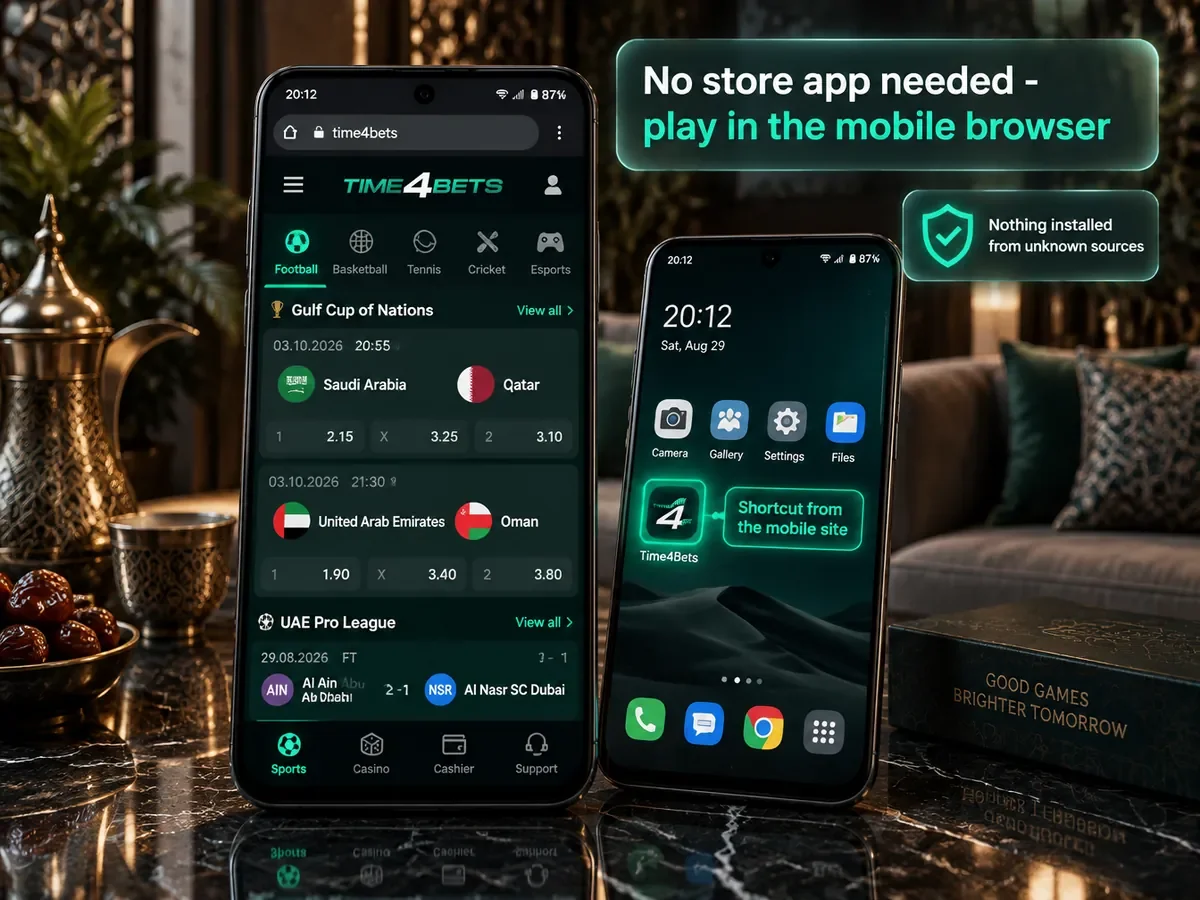
On Android, Time4Bets can be accessed through the official Telegram bot or the mobile version of the website. Both routes use the same account, US-dollar balance, sportsbook, casino lobby and cashier as the desktop site. The Telegram option requires Android 8.0 or newer, while the browser version works through a current mobile browser. Time4Bets operates under Anjouan Gaming Authority licence No. ALSI-202603024-FI1. Before registering, depositing or playing, each user should check whether online betting and casino activity are permitted in their jurisdiction. The platform is available through the official website.
This page explains the main Android access options, device requirements, Telegram setup, home-screen shortcuts, available platform features and common troubleshooting steps. It also explains how to identify the official Telegram bot and avoid unofficial clone accounts.
Time4Bets Access on Android
Time4Bets provides two straightforward Android access routes: the official Telegram bot and the mobile website. The bot opens the platform interface inside Telegram and does not require a separate account, while the browser version provides direct access through Chrome or another current mobile browser. Both use the same Time4Bets account and balance as the desktop site. The official Telegram bot is linked from the Time4Bets website and carries a verification mark, which helps distinguish it from unofficial copies.
Requirements for Android Devices
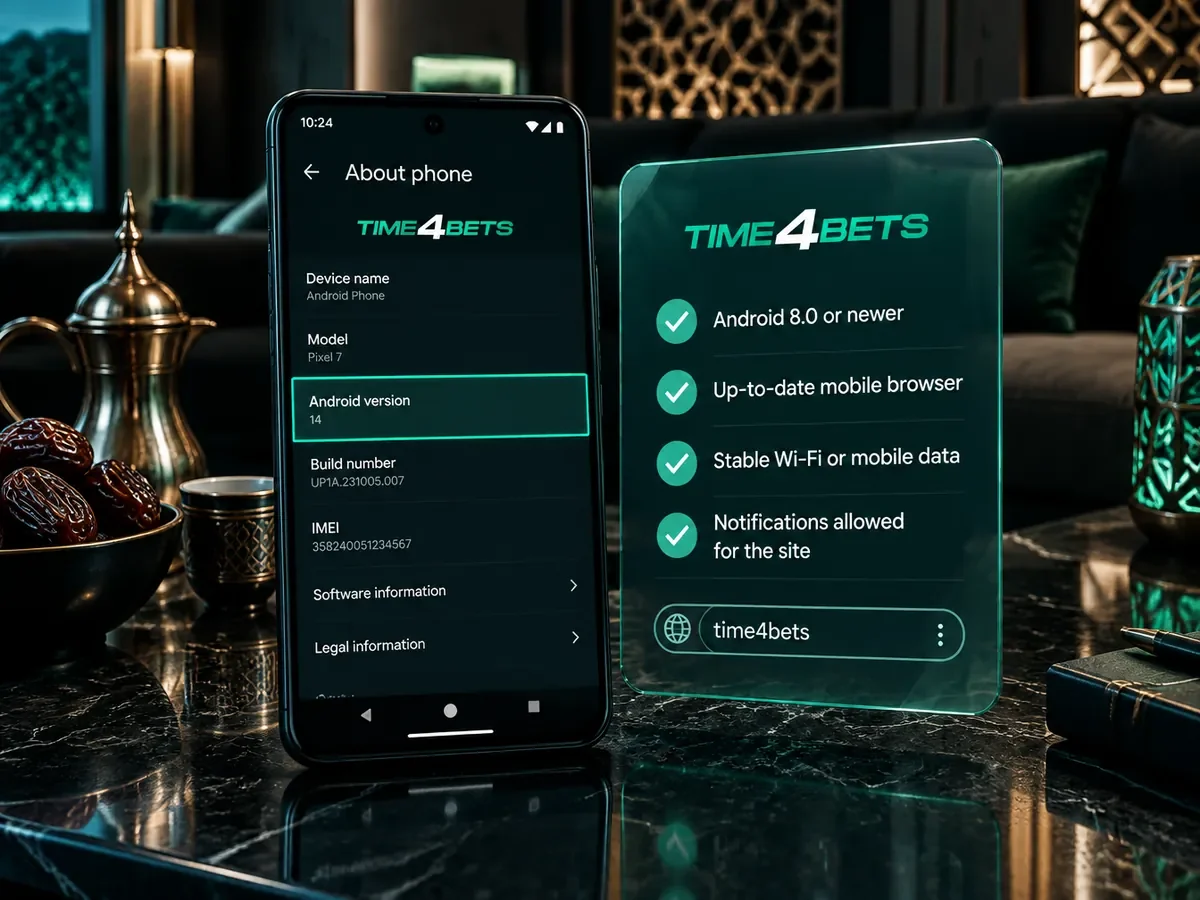
Five things are useful before setting up Time4Bets access on Android:
- Android 8.0 or newer;
- Telegram from Google Play, updated to the current version;
- 100 to 150 MB of free storage for Telegram’s cache;
- a stable connection, Wi-Fi or mobile data;
- notifications enabled for Telegram, so that settlements and cashier messages arrive.
The Android version is shown under Settings, About phone, on the line marked Android version. If the device cannot run the current Telegram version, the mobile website can still be opened in Chrome or another supported browser.
Setting Up Access via Telegram
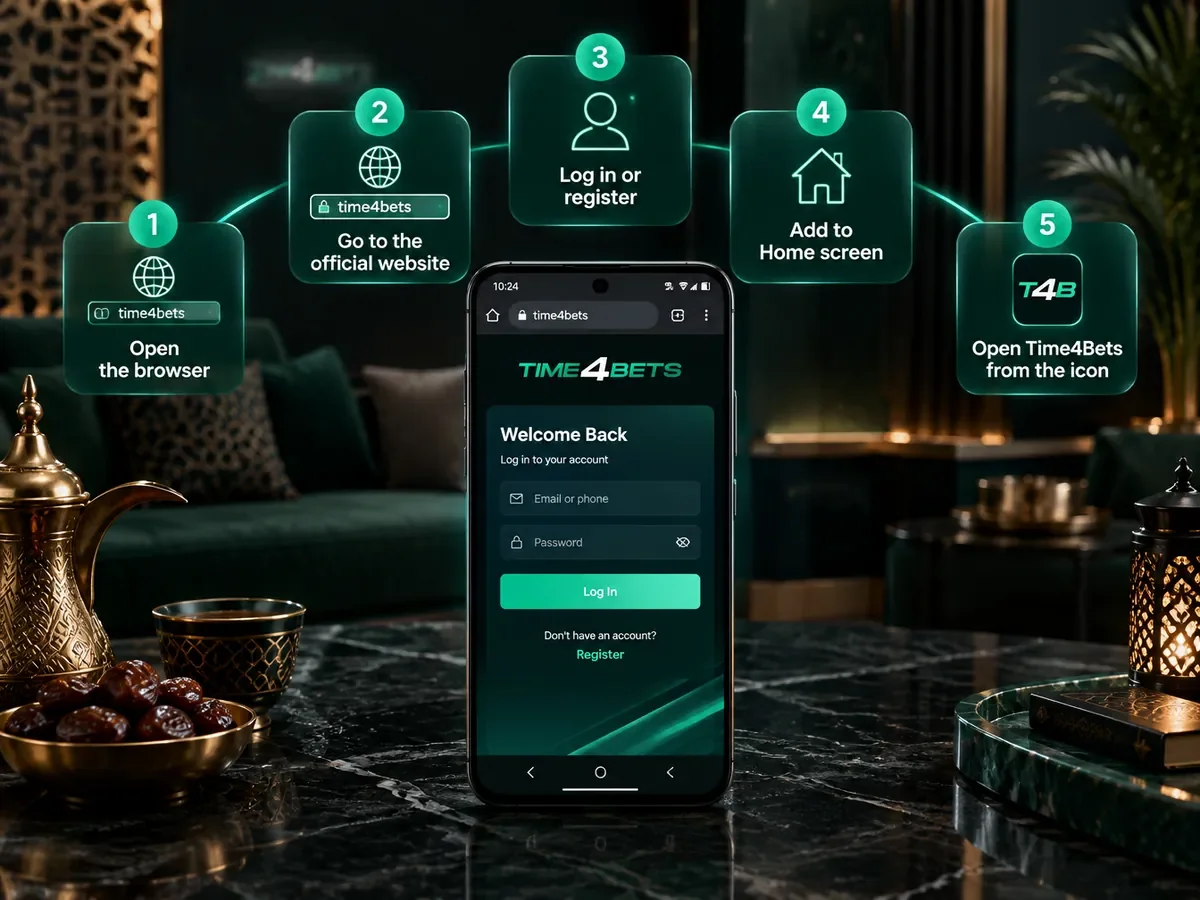
Setting up Time4Bets through Telegram takes five steps:
- Install or update Telegram from Google Play;
- Open the official website in Chrome and tap the Telegram icon;
- Tap Start, or send /start, to open the bot menu;
- Choose the language, English or Arabic;
- Log in with the existing account, or register from the same menu.
The safest way to reach the Telegram bot is through the official Time4Bets website. Telegram search can show accounts that copy the operator’s name or logo, so the bot name and verification mark should be checked before logging in. If account or payment details have already been entered into an unofficial bot, change the account password and contact Time4Bets support.
Adding a Home Screen Shortcut
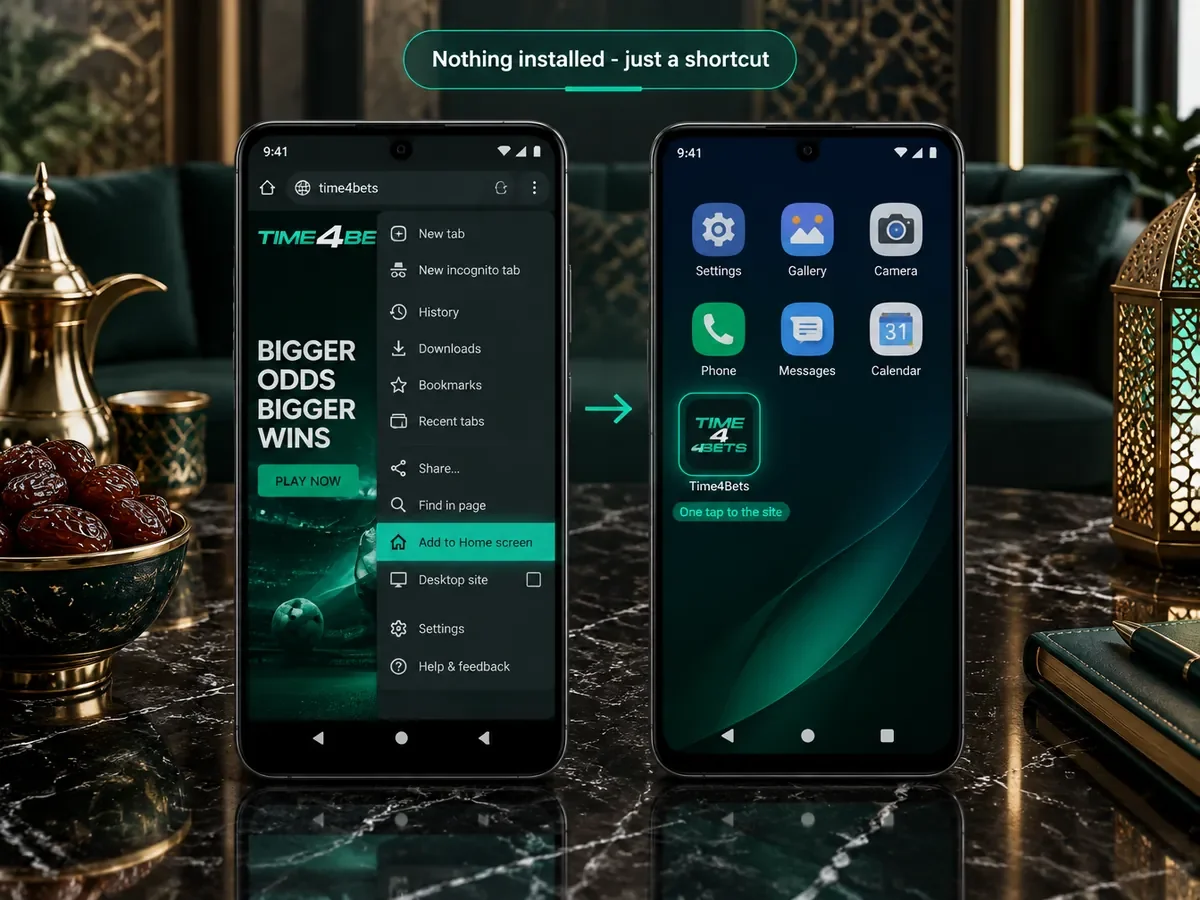
Two shortcuts make repeat access faster. In Telegram, pinning the bot chat keeps it at the top of the conversation list. In Chrome, the Add to Home screen option creates a shortcut that opens the mobile site directly from the Android home screen. Both options provide quicker access without changing the Time4Bets account or balance.
What Works on Android
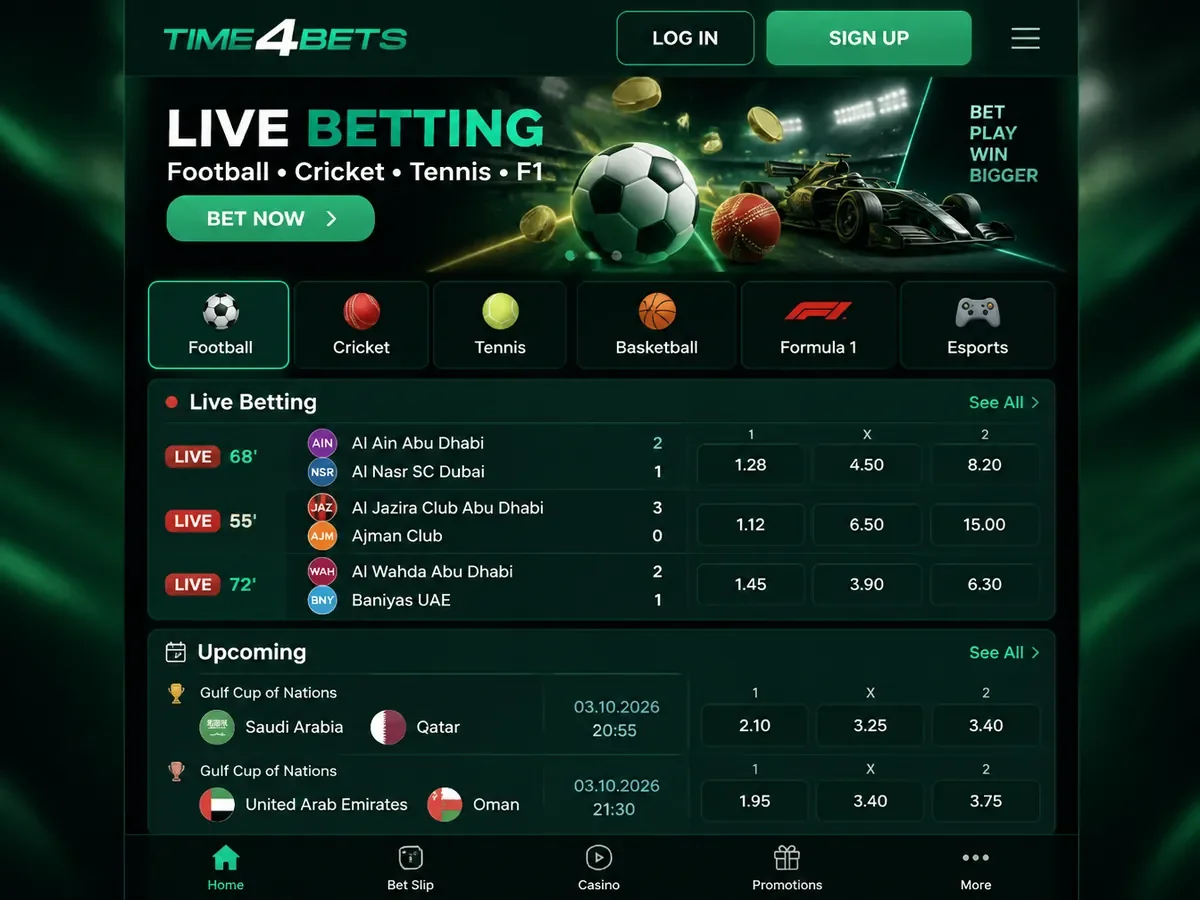
The main Time4Bets features are available on Android through the Telegram bot or mobile browser:
- the sportsbook, including pre-match and live betting across 50+ sports and event categories;
- the casino with 10,000+ games, including demo mode on supported slots;
- the live tables, including the Arabic-speaking rooms;
- the TV games and the crash games;
- the cashier, deposits and withdrawals in every channel the site has;
- support by live chat, 24/7 in English and Arabic.
All Android access routes use the same account and balance as the website. A bet placed through Telegram or the mobile browser appears in the same account history and settles into the same balance used on desktop.
Android Troubleshooting
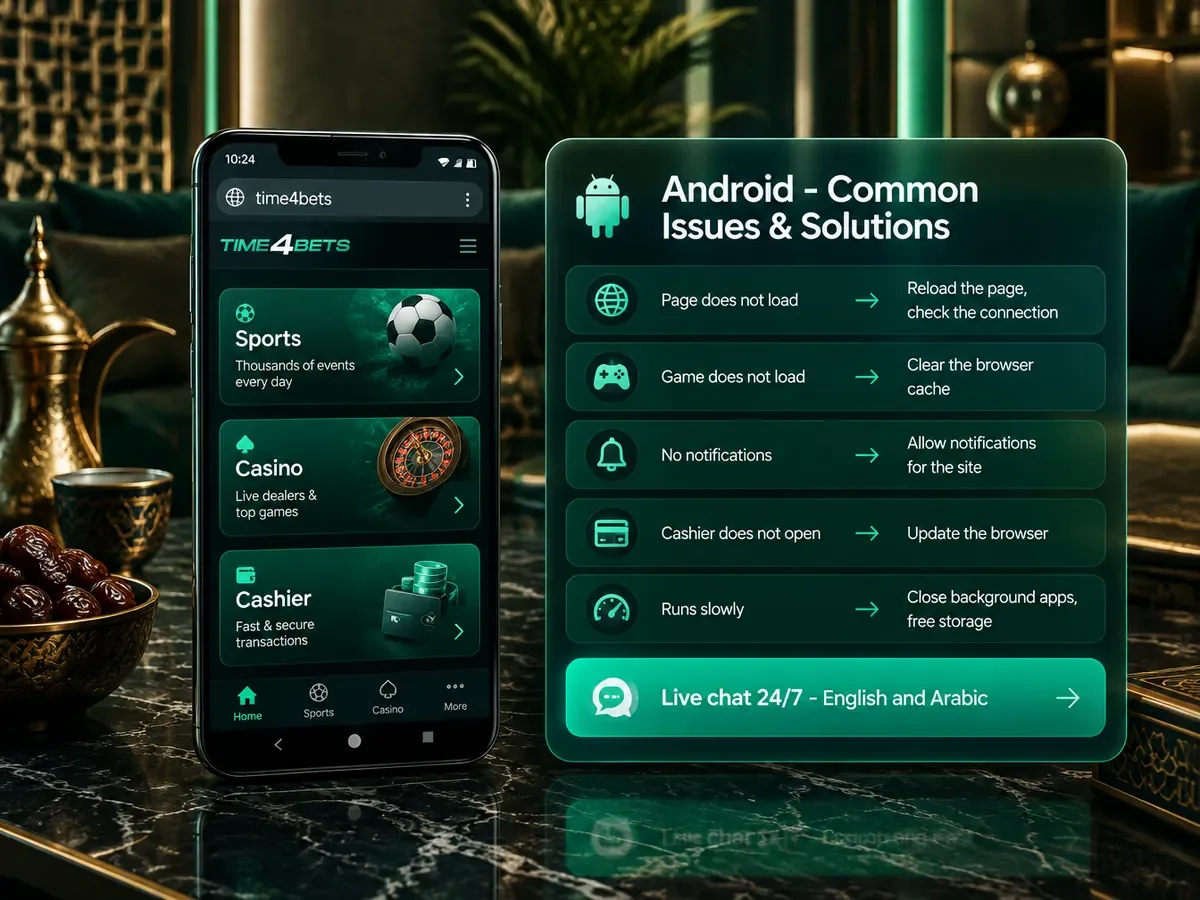
Common Android issues can usually be resolved with the following checks:
- The bot does not respond: check that it is the official bot, with the verification tick, then close and reopen Telegram;
- A game does not load: clear Telegram’s cache under Settings, Data and Storage, or open the game in Chrome instead;
- No notifications arrive: open the bot’s chat settings and switch notifications on;
- The cashier does not open: update Telegram from Google Play, since older versions block in-app pages;
- Everything runs slowly: close background apps and free storage on the device.
If these steps do not resolve the issue, contact 24/7 live chat and provide the Android version and a screenshot where relevant. Live casino streams also depend on connection quality, so slow or unstable video may be caused by limited mobile data or Wi-Fi bandwidth.
Android FAQ
How can I access Time4Bets on Android?
Time4Bets can be accessed through the official Telegram bot or through the mobile version of the website in a supported browser. Both routes use the same account and balance as the desktop platform.
Which Android version is needed?
Android 8.0 or newer is recommended for the current Telegram version. The mobile website can also be used through a current supported browser.
Is the balance shared with the website?
Yes. Telegram, the mobile browser and the desktop site use the same Time4Bets account, balance and transaction history.
Is it safe to play through Telegram?
Use the Telegram bot linked from the official Time4Bets website and check its verification mark before entering account details. Two-factor authentication on the Time4Bets account and a Telegram passcode add extra protection.