
Dash can be used for deposits and withdrawals at Time4Bets, while the account balance itself is held in US dollars. Dash deposits range from $5 to $100,000 and carry no platform fee. Withdrawals range from $20 to $200,000 and are processed instantly on the platform side, while the Dash network still requires confirmation before funds reach the receiving wallet. General operator details are available on the Time4Bets official site.
The sections below cover Dash deposits, withdrawals, fees, confirmation timing, practical advantages and the main risks. Supported networks, limits and cashier conditions can change, so the live cashier should always be checked before sending a transfer.
How Dash Deposits Work
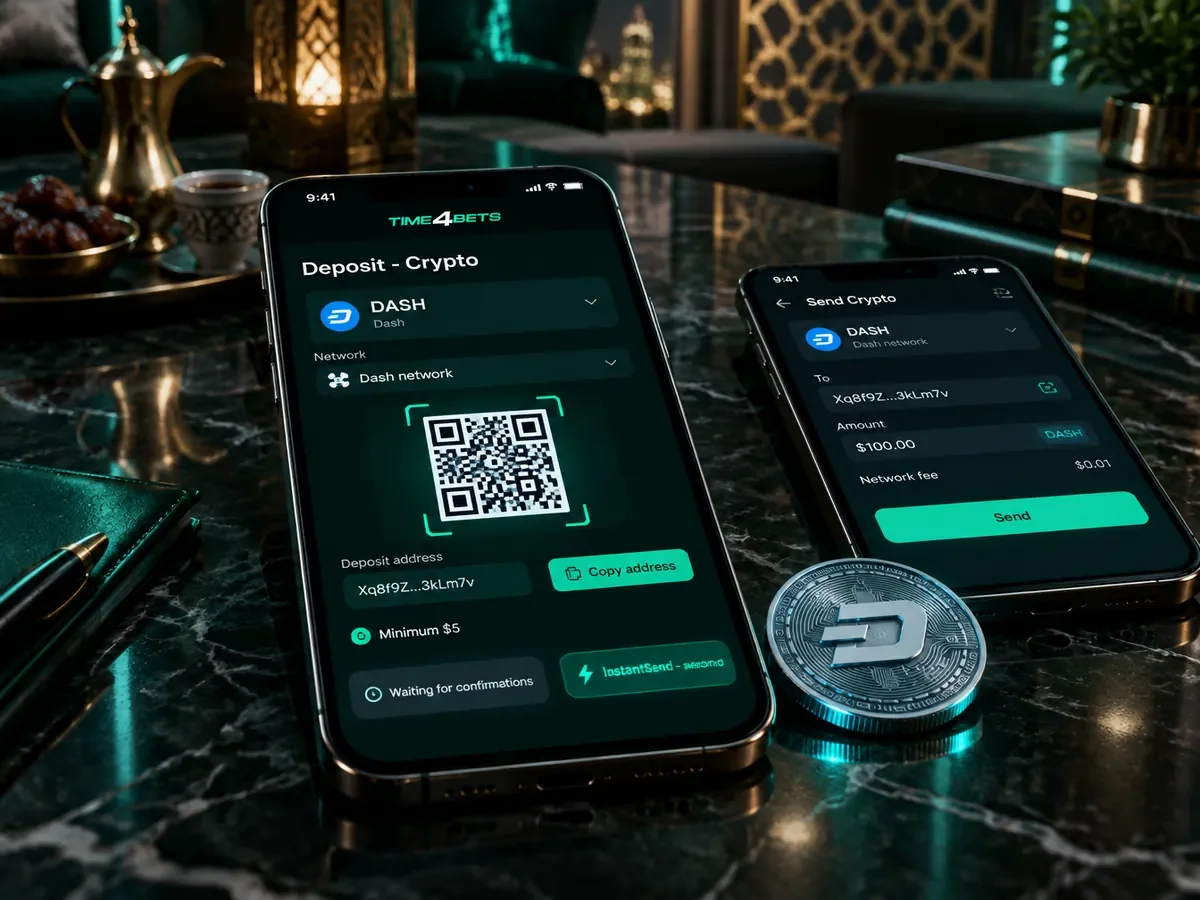
Depositing Dash at Time4Bets follows the same process on desktop and mobile:
- Open the cashier, select Deposit and go to Crypto;
- Choose Dash on the Dash network;
- Copy the deposit address, or scan the QR code with your wallet;
- Send the coins from your own wallet or from an exchange;
- Wait for the confirmations the cashier requires, which with InstantSend can take only seconds;
- Credited according to the cashier’s current conversion and account-currency rules.
Deposit addresses may change, so copy the current address from the cashier before each transfer instead of relying on an older one. Once the deposit is credited, the amount appears in the USD account balance and can be used across the casino and sportsbook. The listed minimum is $5 in equivalent, although the cashier should be checked before sending a transfer. If InstantSend is supported for the transaction, network confirmation can be significantly faster than a standard Dash transfer.
Dash Withdrawals
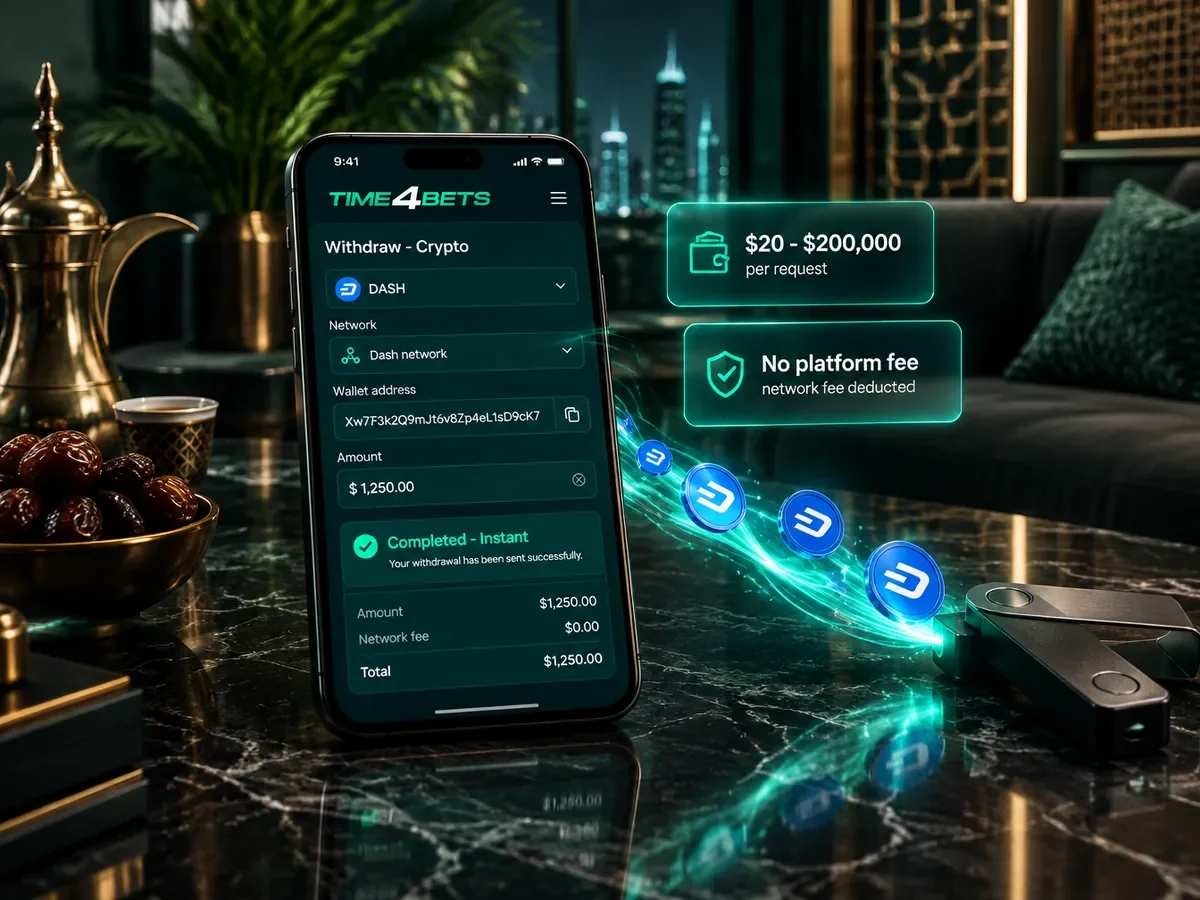
Dash withdrawals range from $20 to $200,000 per request. Time4Bets lists crypto withdrawals as free and processes them instantly on the platform side, while the Dash network still requires confirmation before the funds reach the receiving wallet. Under the same-method rule, funds deposited with Dash are normally returned to a Dash wallet. If a deposit has not been wagered at least once (x1), an 8% fee applies, with a minimum charge of 4 EUR. KYC may be required before payout, and total withdrawals are capped at the equivalent of 100,000 EUR per calendar month. A withdrawal takes five steps:
- Open the cashier and choose Withdraw;
- Select Dash as the payout method;
- Paste your wallet address and compare its first and last characters;
- Enter the amount, allowing for the network fee;
- Confirm and follow the request in the transaction history.
The full payout conditions are listed on the withdrawals page and should be checked before the first Dash withdrawal.
Dash Fees, Confirmations and Timing
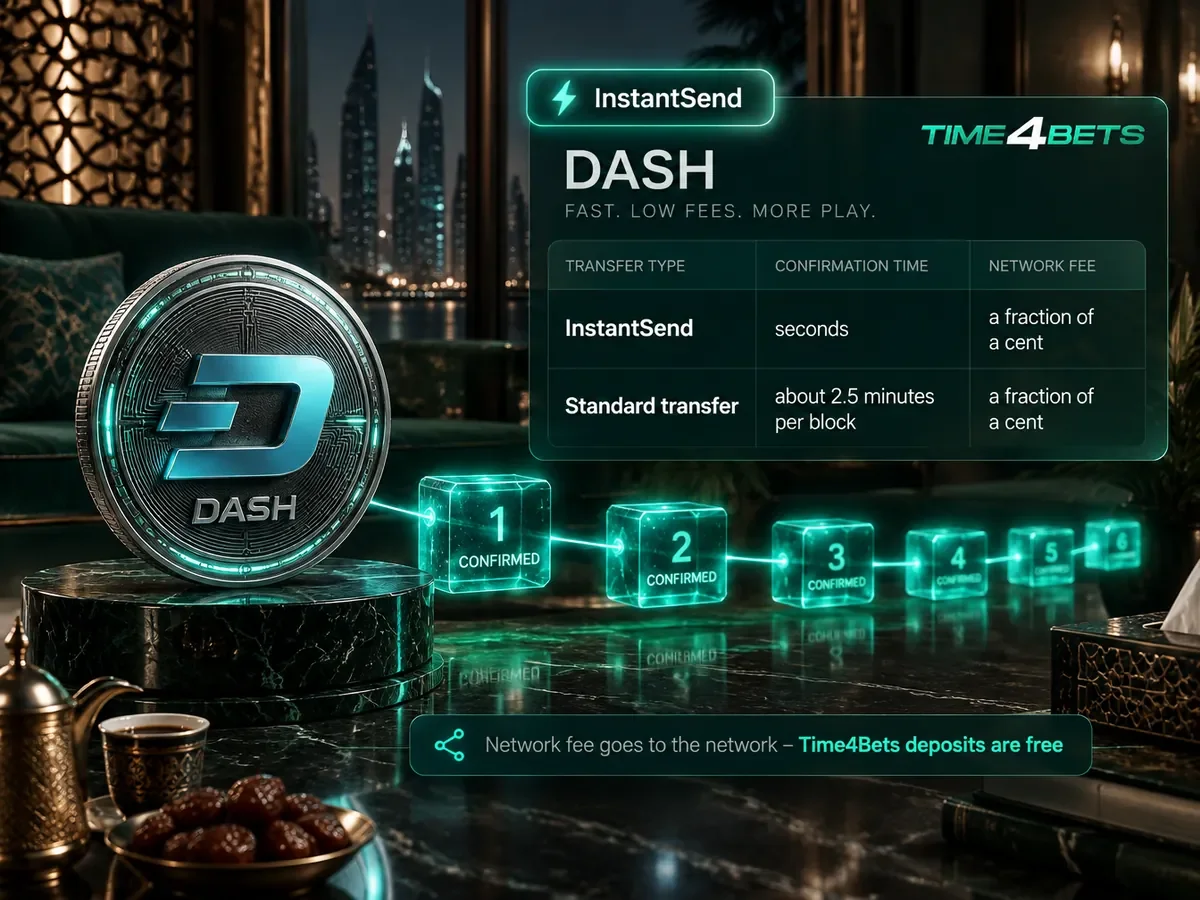
The network fee goes to the network, not to the platform, which charges nothing for deposits. Timing depends on the transfer mode and on the number of confirmations the cashier requires before crediting, which is shown during the deposit itself. InstantSend locks the transfer within seconds, while standard mode waits for the next block.
| Mode | Time | Fee |
|---|---|---|
| InstantSend | Seconds | A fraction of a cent |
| Standard transfer | About 2.5 minutes per block | A fraction of a cent |
Before sending a larger amount, checking current Dash network conditions can help estimate confirmation timing and expected fees.
Why Choose Dash for Casino Play

Dash is designed for fast payments, and its main practical advantages are speed and low network cost:
- Dash is built around fast transfer finality through InstantSend;
- Fees measured in fractions of a cent, even for larger sums;
- Simple transfers with no token confusion on the network.
The drawbacks are worth weighing honestly:
- Lower liquidity than BTC or LTC;
- Limited support on some exchanges, so check where to buy it first;
- The price can move between sending and crediting.
Dash can be practical for users who already hold the coin and value fast transfers with low fees. For users who hold only BTC or stablecoins, converting solely to make a Dash payment may add unnecessary exchange costs and steps.
Risks When Depositing Dash
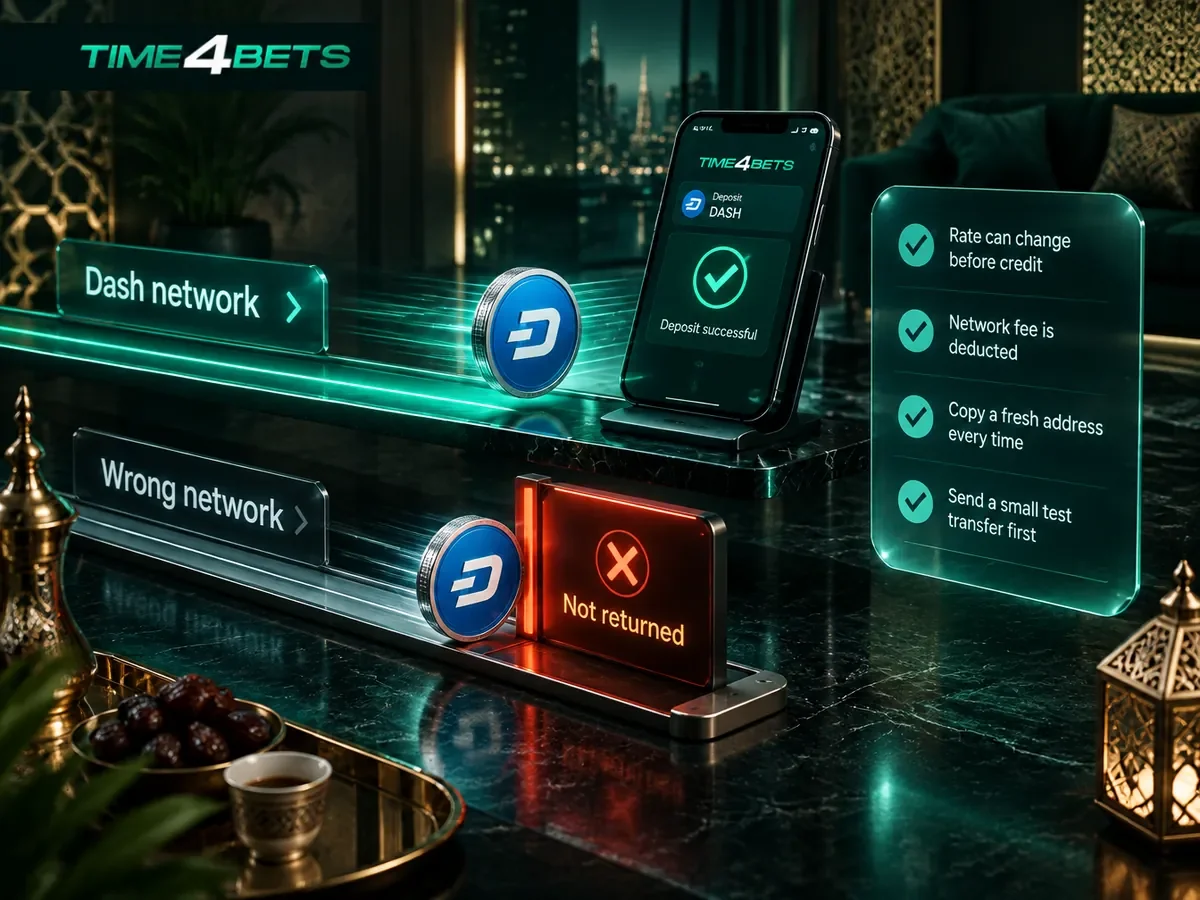
Fast transfers do not remove the usual risks of crypto payments. Several common mistakes deserve attention:
- Coins sent on the wrong network are not returned;
- The rate can change between sending and crediting;
- The network fee is deducted from the amount you send;
- The deposit address must be copied fresh each time;
- Exchanges may hold outgoing transfers for their own checks;
- Losing wallet access means losing the coins.
When using a new wallet, consider sending a small test transfer before moving a larger amount. If a transfer is not credited, contact 24/7 support and provide the transaction hash so the transaction can be checked on the blockchain. Before registering or depositing, independently confirm whether online casino and betting activity is permitted in your jurisdiction.

Games and Bets With a Dash Balance
Because the account balance is held in USD, a Dash deposit provides access to the same products as any other supported payment method. The sportsbook includes the same pre-match and live markets, while the casino lobby contains 10,000+ games across slots, live casino, TV games and crash formats. There are no separate Dash-only game versions, and demo mode is available on supported titles.
Dash Casino FAQ
Short answers to the questions players ask most often about Dash payments.
What Is InstantSend?
InstantSend is a feature of the Dash network that locks a transaction within seconds, so it cannot be reversed or double-spent while waiting for a block. Whether the cashier credits on that lock or waits for block confirmations is shown during the deposit. It is one of the main reasons players choose Dash for deposits.
Is There a Fee for Dash Deposits?
Time4Bets charges no platform deposit fee for Dash. The remaining cost is the Dash network fee, while some exchanges may also apply their own withdrawal charge.
What Is the Minimum Dash Deposit?
The listed minimum Dash deposit is the equivalent of $5. Because network fees are generally low, small test transfers are relatively inexpensive.
Is Dash Converted to USD on the Balance?
Yes. Dash deposits are credited to the account in US dollars, so the balance no longer changes with the Dash price after conversion.
How Do Dash Withdrawals Reach My Wallet?
Payouts are normally returned to a Dash wallet under the same-method rule, and the funds arrive after the network confirms the transfer. If the receiving address belongs to an exchange, make sure the exchange supports Dash and use its current deposit address. Additional exchange-side confirmations may be required before the funds become available.