
The Time4Bets Telegram bot provides access to the sportsbook, casino, live tables, cashier and support inside Telegram. It uses the same account and balance as the website, so activity from Telegram and desktop appears in one account history in US dollars. Time4Bets operates under an Anjouan licence (ALSI-202603024-FI1); whether play is permitted depends on the user’s jurisdiction and should be checked independently before registering, depositing or playing. The bot is reached through the Telegram icon on the official website.
The bot works as a Telegram Web App, with the platform interface opening inside the messenger rather than as a separate standalone client. This guide covers access, login, betting and casino functions, cashier use, notifications, support and the main differences from using the website directly.
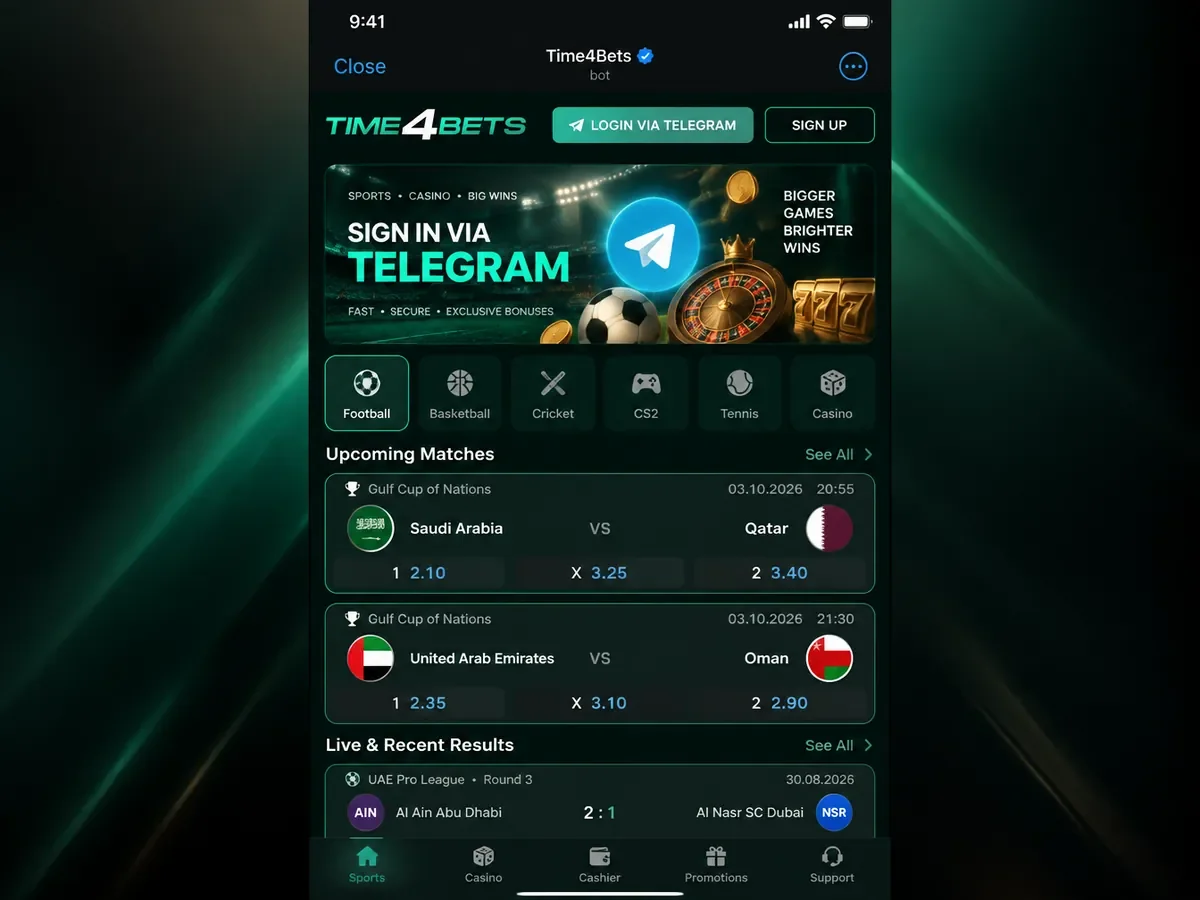
How the Telegram Web App Format Works
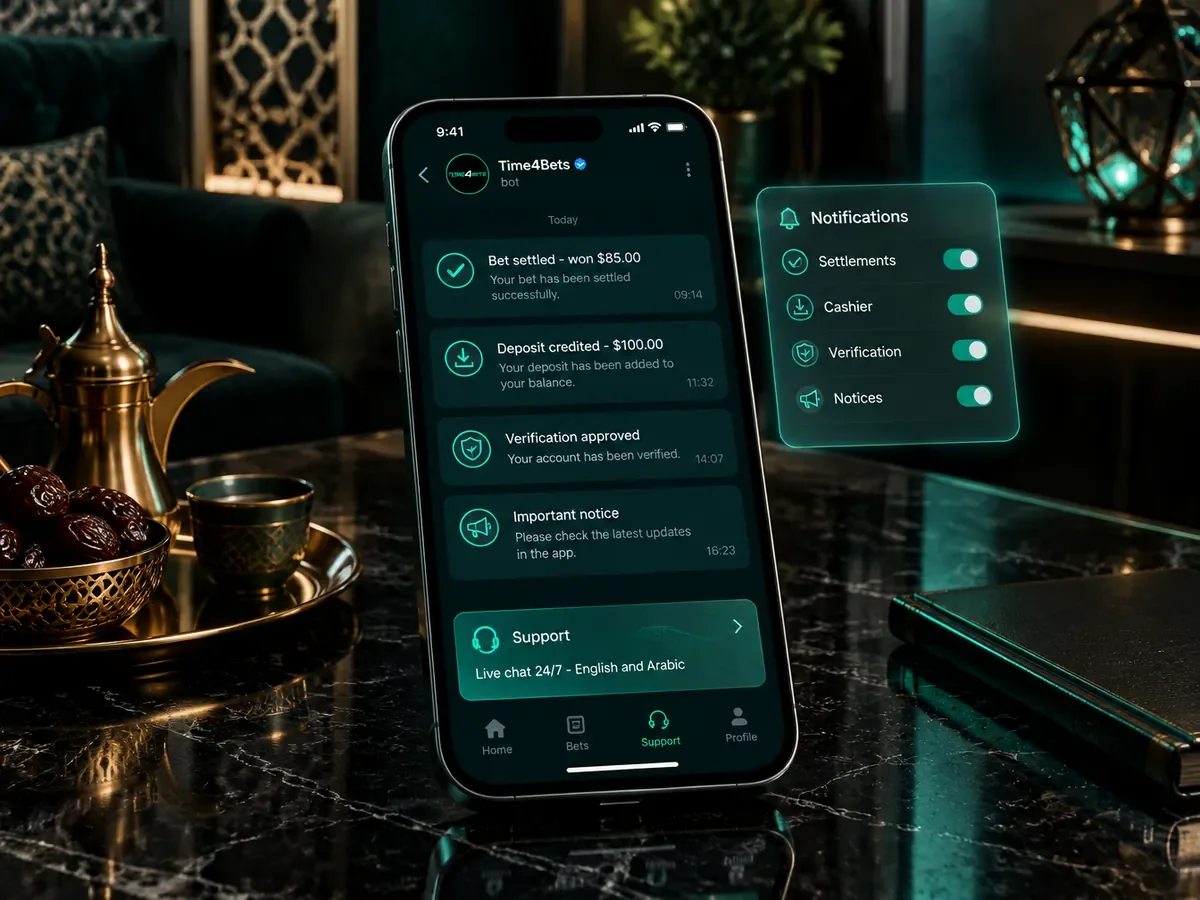
When the bot is started, a button in the chat opens the platform interface inside Telegram. The interface is adapted to the messenger window, with access to the main sections and bet slip from the same session. Notifications such as bet settlement, deposit status or verification requests can also appear in the chat. Because the interface is delivered as a Telegram Web App, platform-side interface changes generally do not require installing a separate Time4Bets app package.
Finding the Official Bot
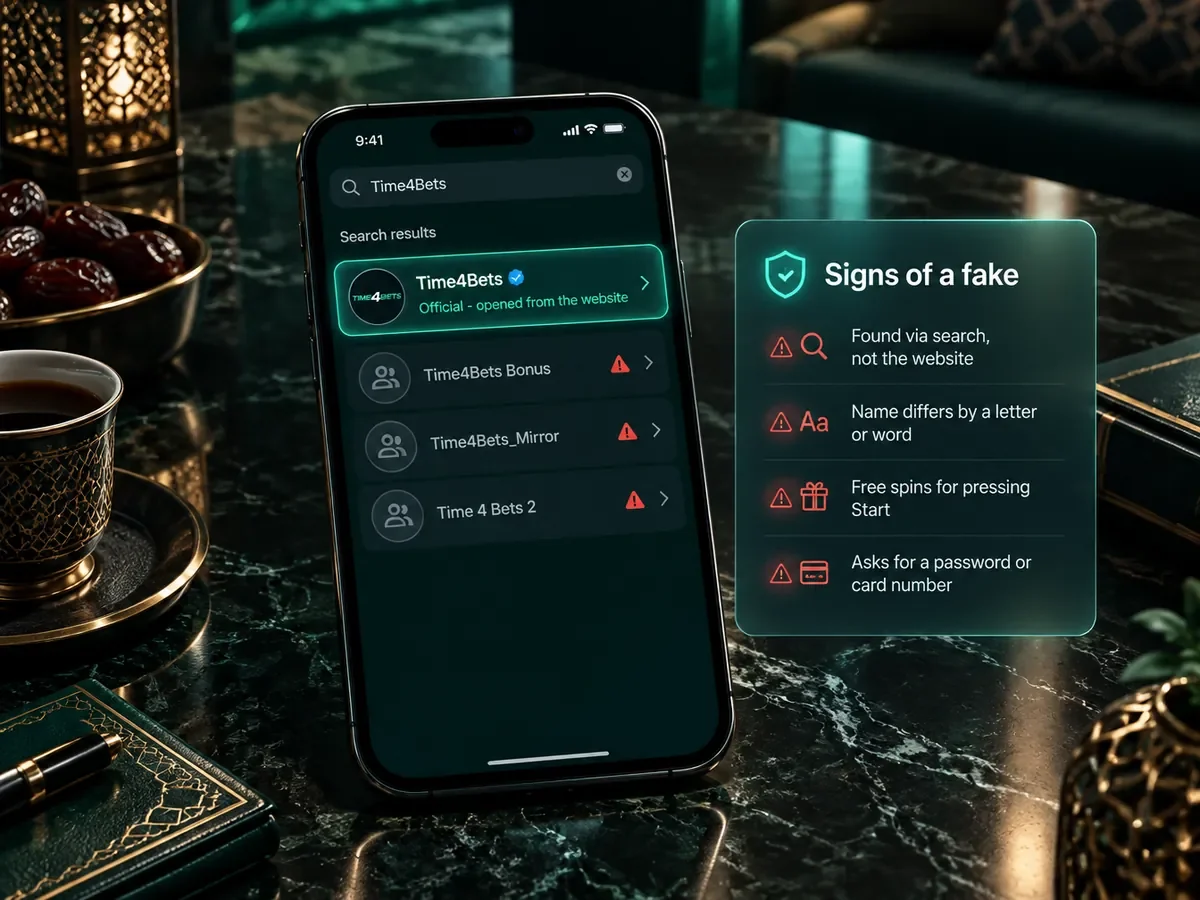
The safest route to the Time4Bets Telegram bot is the Telegram link on the official website rather than a search result or forwarded message. Look-alike bots can copy an operator’s name, branding or profile image. Warning signs include:
- it was found through search or a forwarded message, not the website;
- the name differs from the site’s by a letter, a number or an extra word;
- it promises an unsolicited bonus or reward simply for pressing Start;
- it asks for sensitive credentials or requests a transfer to an unrelated external wallet.
Use only Telegram links published through the official Time4Bets website when opening the bot or related channels.
First Session: Language, Login, Menu
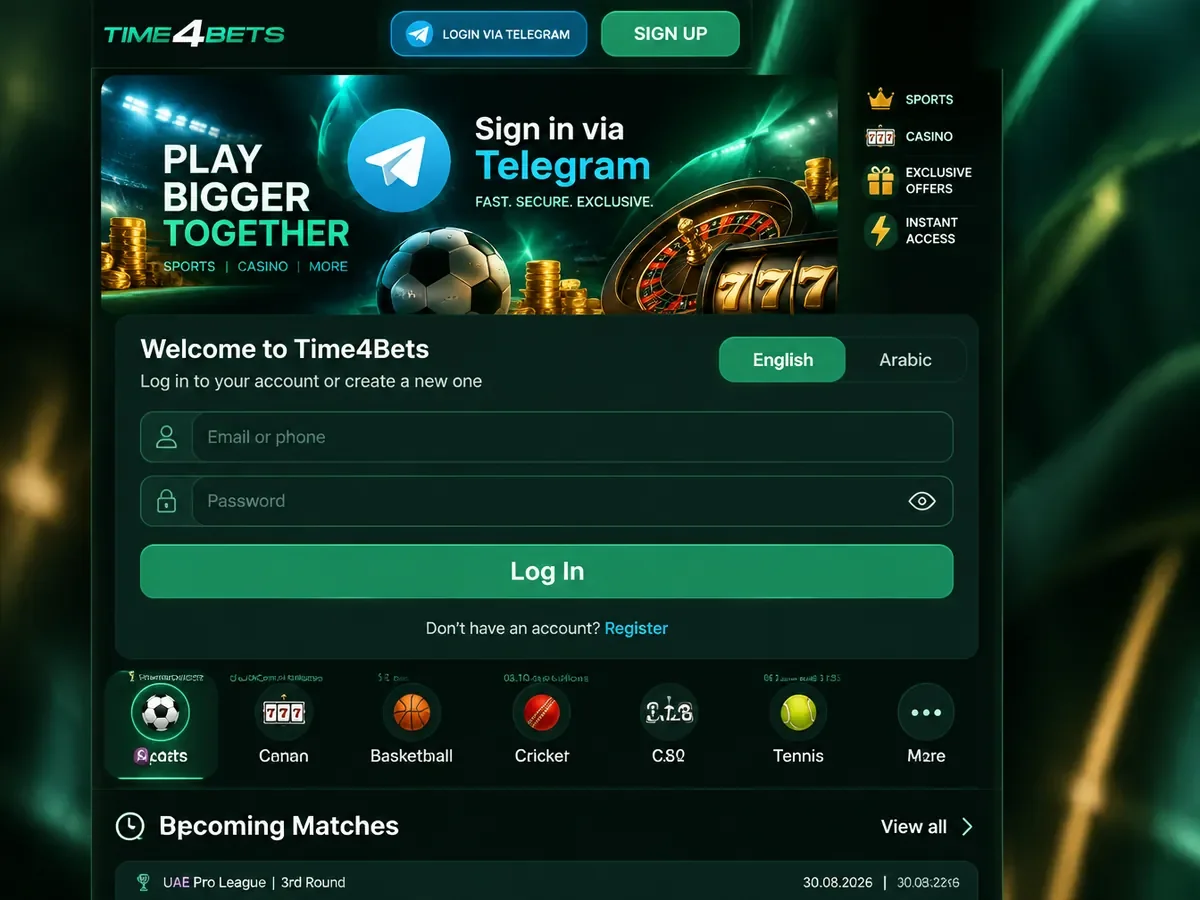
The first session in the Time4Bets Telegram bot follows five basic steps:
- Open the bot from the website icon and press Start, or send /start;
- Choose the language, English or Arabic;
- Log in with the email or phone number and the password, or register from the same screen;
- Allow notifications when the chat asks, so that settlements and cashier messages arrive;
- Use the main menu at the foot of the screen: Sports, Casino, Cashier, Support.
Registration through the bot uses the same Time4Bets account system as the website. Existing users can log in with the same account details, while new users can register from the same interface. Verification may be required before a payout and can also be requested at other stages. The registration flow is described on the registration page.
Betting and Casino From the Chat
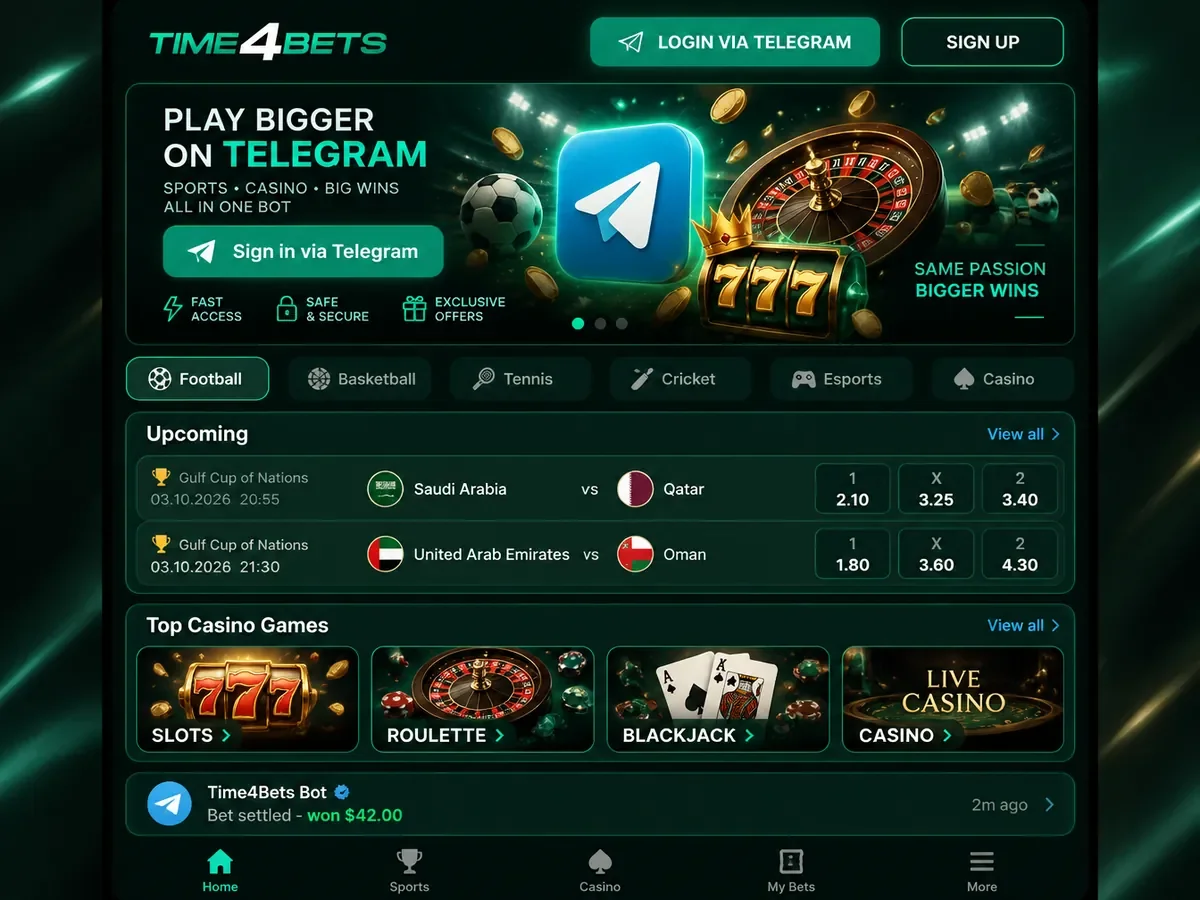
The Time4Bets Telegram menu provides access to the main platform sections:
- the sportsbook line of thirty-plus disciplines, pre-match and live, with the score tracker;
- coupons in single, accumulator and system form, with the same accumulator ladder as on the site;
- the casino with 10,000+ games, with demo mode available where supported;
- the live tables, including the Arabic-speaking rooms, streamed inside the chat window;
- the TV games and the crash games;
- bet settlement delivered as a message the moment the event closes.
A bet can be placed from the Sports section by opening an event, adding an outcome to the bet slip, entering the stake and confirming the wager. The bet slip shows the selections and potential return before confirmation. Live casino video still requires a stable internet connection because the stream is delivered inside the Telegram interface.
Cashier Inside the Bot
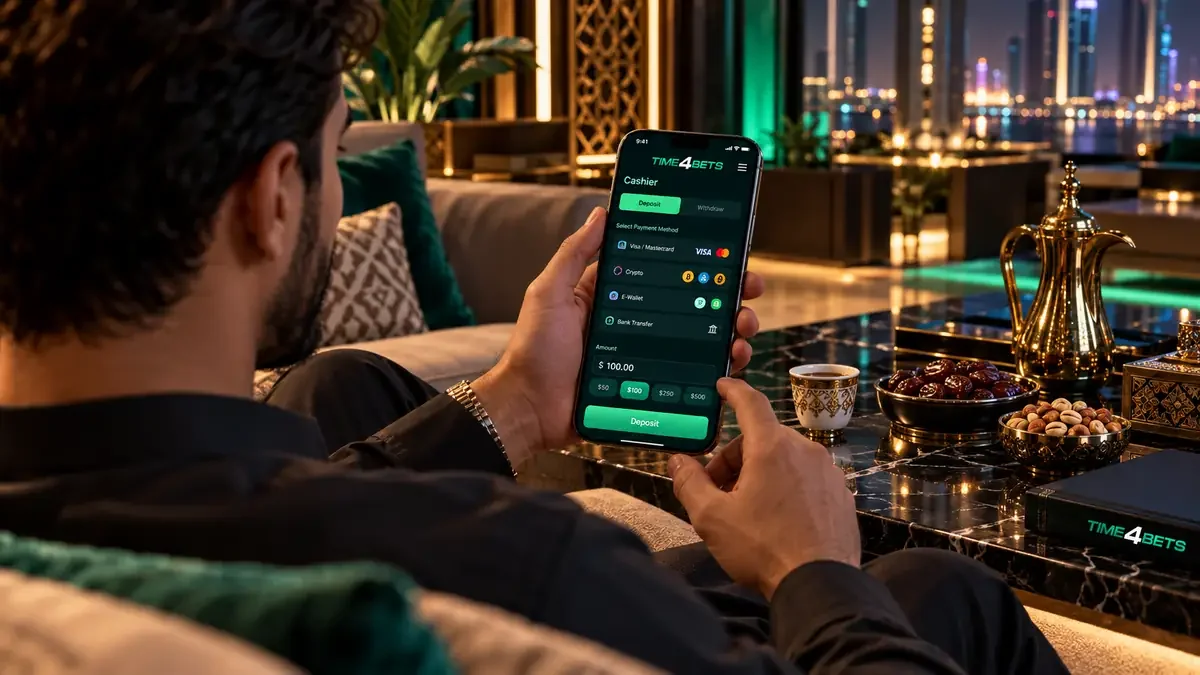
The Cashier tab of the Time4Bets Telegram bot provides access to deposits, withdrawal requests and transaction history. Deposits start from $5 for supported methods such as cards, Apple Pay, Google Pay and crypto, subject to the current cashier limits. The applicable methods, limits and processing times are described on the payments page. Verification requests may also appear through the account or Telegram interface, while requested documents are submitted through the account flow.
Notifications and Support
Telegram notifications can include bet settlements, payment status, verification updates and other account notices, depending on the current bot settings. Support is available through the Support section and by email at [email protected]. For a question about a specific bet or transaction, providing the relevant coupon or transaction ID can help identify the case more quickly.
Strengths and Limits of the Bot
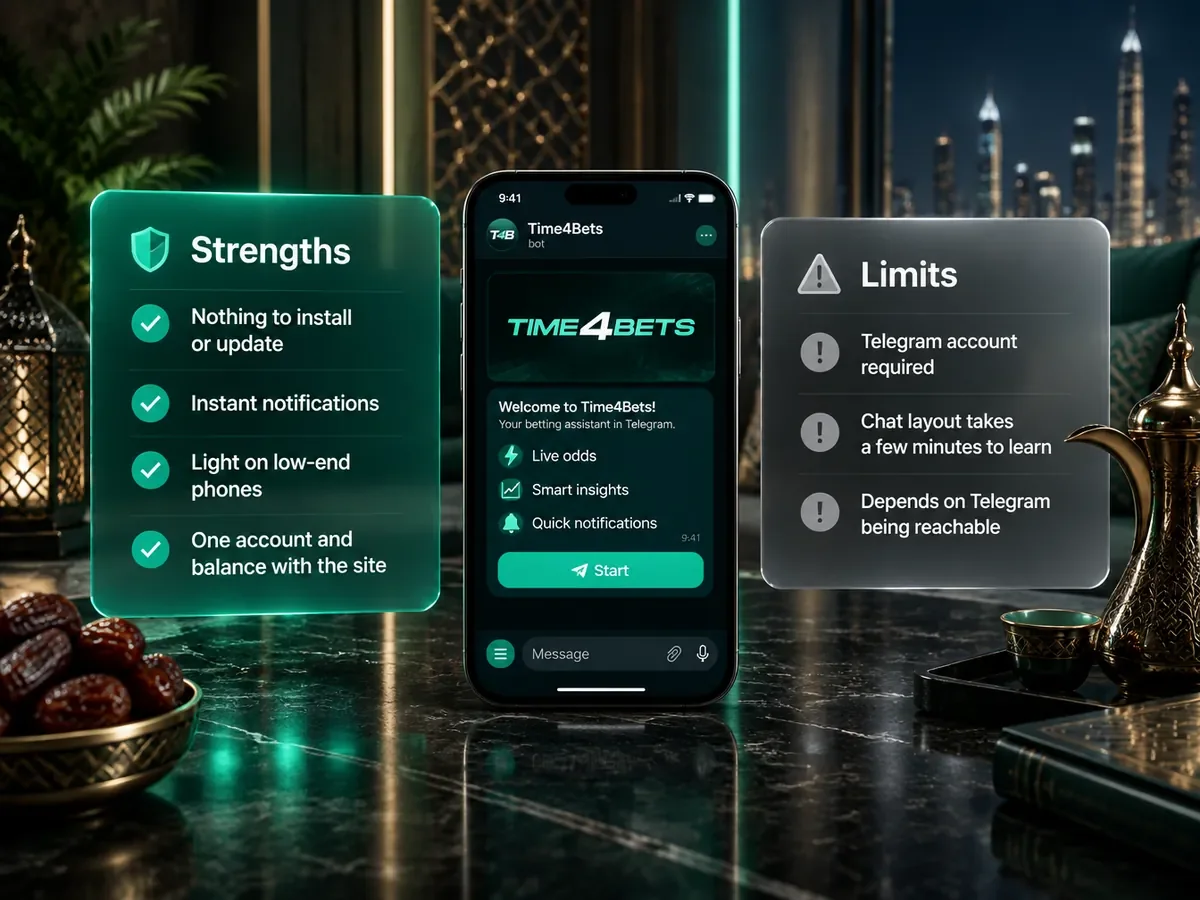
The format has plain advantages:
- nothing to install beyond Telegram, and nothing to update;
- account notifications inside Telegram without a separate standalone Time4Bets app;
- access through the existing Telegram application rather than an additional standalone client;
- one account and one balance with the website.
And plain limits:
- an active Telegram app account is required;
- the chat layout takes a few minutes to get used to after the desktop site;
- availability depends on Telegram itself being reachable on the network in use.
The Time4Bets Telegram option is convenient for users who already use Telegram. The mobile browser remains an alternative for accessing the platform without the messenger.
Telegram App FAQ
How do I find the official Time4Bets bot?
Use the Telegram link on the official Time4Bets website. This reduces the risk of opening a look-alike bot from search results or forwarded messages.
Do I have to register again?
No. The Time4Bets Telegram bot uses the same account system as the website, so existing login details open the same balance and account history.
Can I deposit from the bot?
Yes. The Cashier section supports deposits from $5 for eligible methods, including cards, Apple Pay, Google Pay and crypto, as well as withdrawal requests subject to the current cashier limits.
Is there live casino in the bot?
Yes. The live tables, including the Arabic-speaking rooms, stream inside the chat window from the Casino tab; the Telegram app needs a stable connection of a few megabits per second for the video.
What if the bot does not respond?
Open the bot again from the official Time4Bets website, restart Telegram and try /start. If the interface still does not load, use the mobile website and contact Time4Bets support.